1. Set up the phone
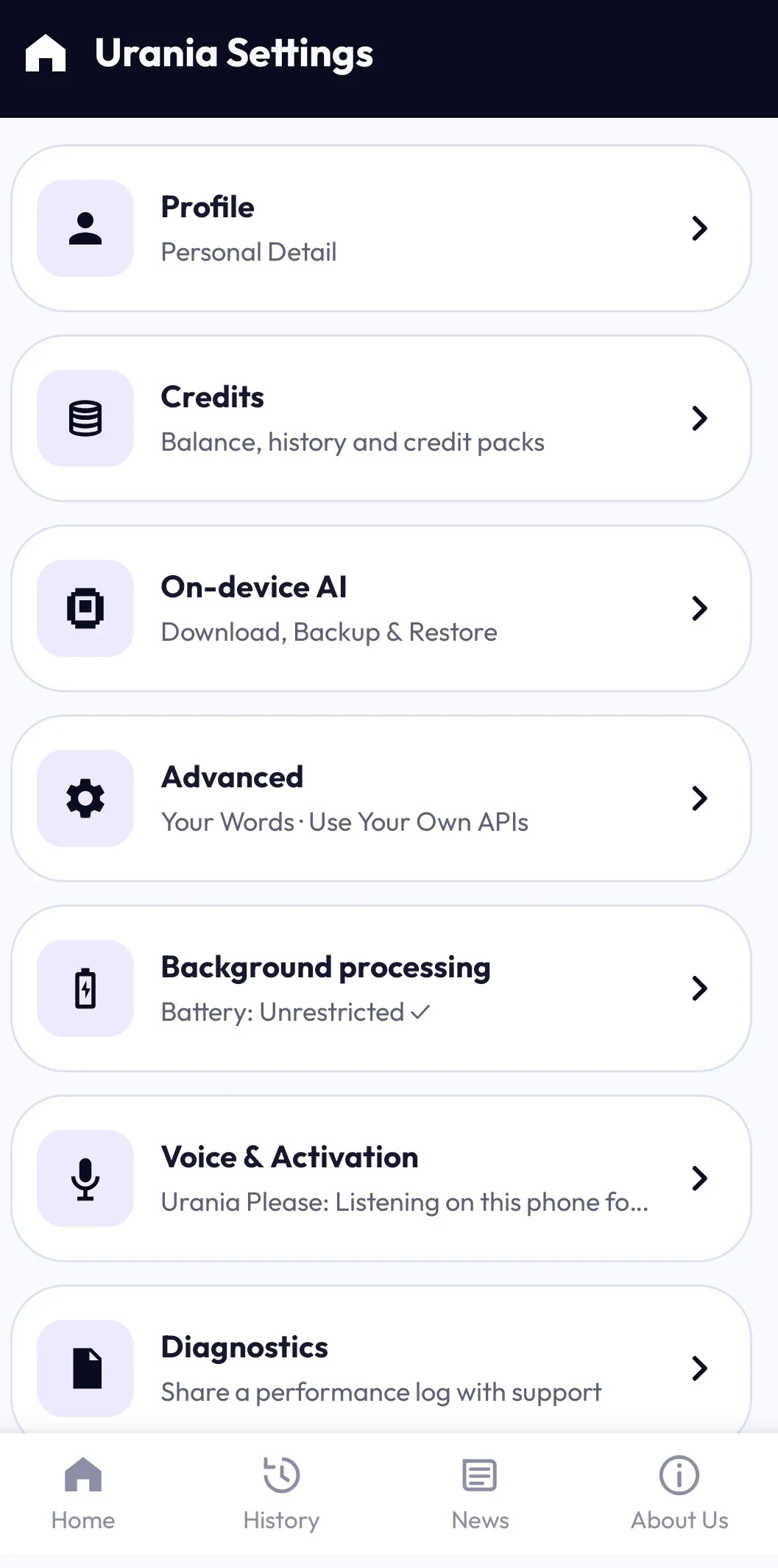
Initial setup and on-device model downloads need internet access. Wi-Fi is recommended for model downloads.
2. Choose where a task runs
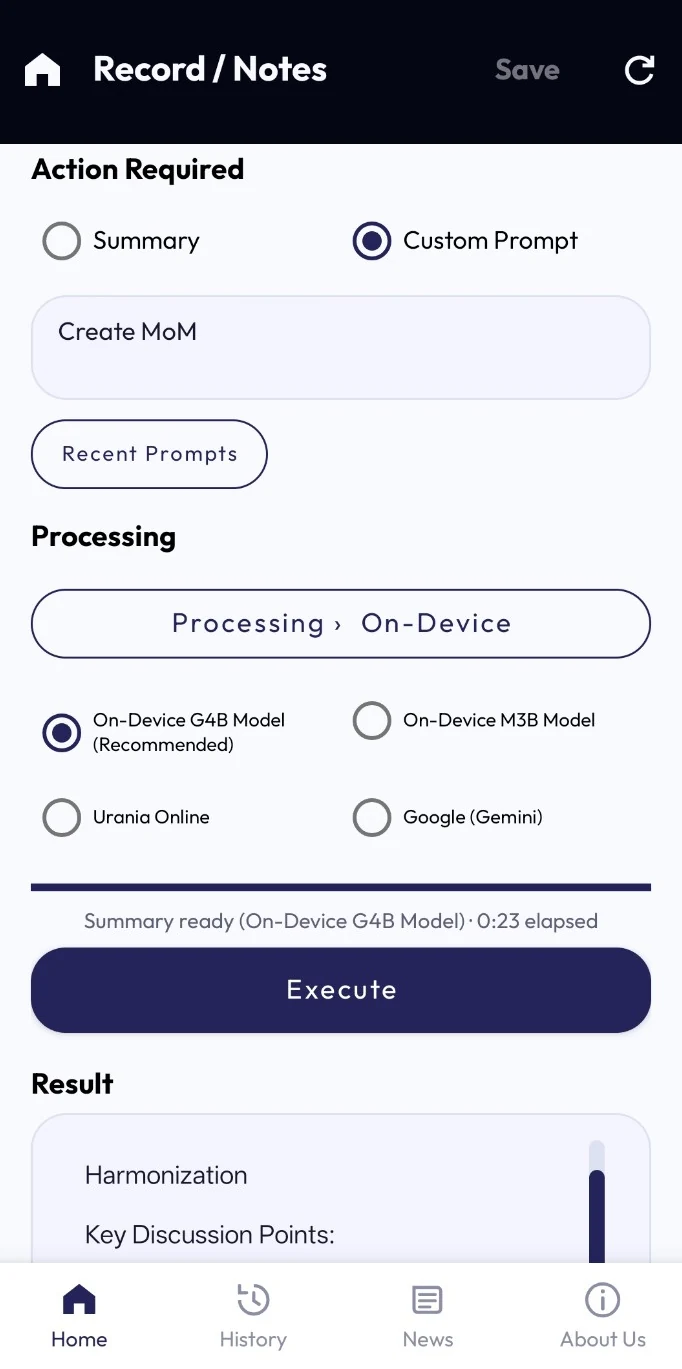
Use supported on-device AI, Urania Online with credits, or your own supported API. Online and own API are optional, distinct routes.
3. Review and continue
Check transcripts and generated output. Share only what you intend to share. AI can make mistakes.
Sign-in and access
Sign-in applies to Urania Online, not every supported local feature. Urania Pro gates unlimited on-device use. The current in-app FAQ describes a five-day trial; new on-device processing requires active Pro after the trial or subscription ends.
Subscription and credits
The current in-app FAQ describes six-month and one-year terms, 10 or 20 credits at the start of a paid term, and two monthly credits while subscribed. Monthly credits do not carry over; purchased credits do not expire. Google Play products and final purchase terms are not yet configured for this website. Your own API costs are separate.
Try Urania when the beta opens
The store listing is not available yet. Request beta access for manual review; no app file is offered here.
Urania is in beta. Features and device compatibility depend on the distributed build. AI can make mistakes; check important results.