On-device AI
Run supported tasks on your phone after downloading a model. Included in the Urania Trial and Urania Pro.
A phone-first AI workspace for meetings, documents, translation, questions and reminders. Your AI. Your Data. Your Choice.
*Supported on-device features need internet for initial setup and model download. On-device AI is included in the Urania Trial and Urania Pro.
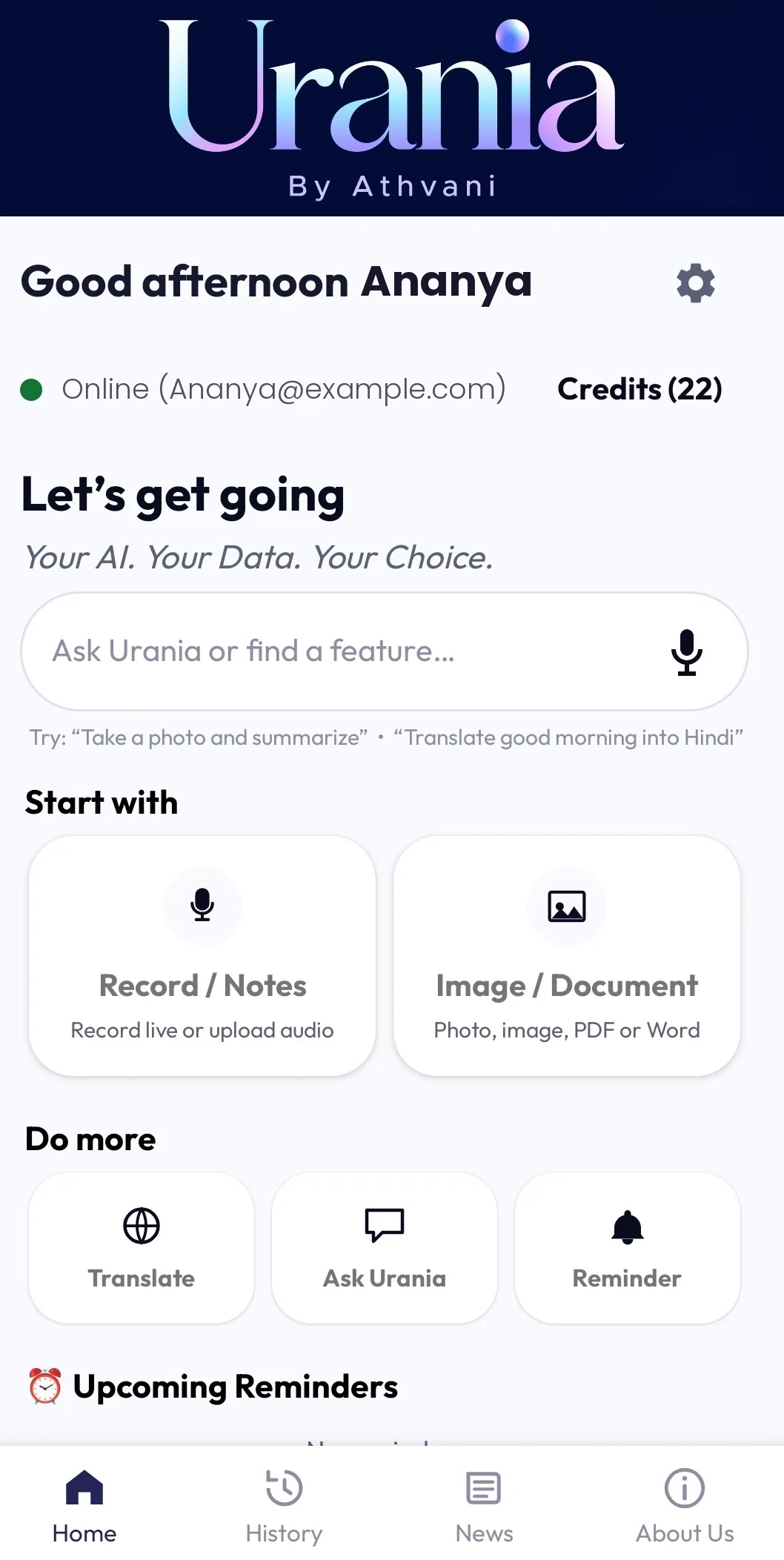
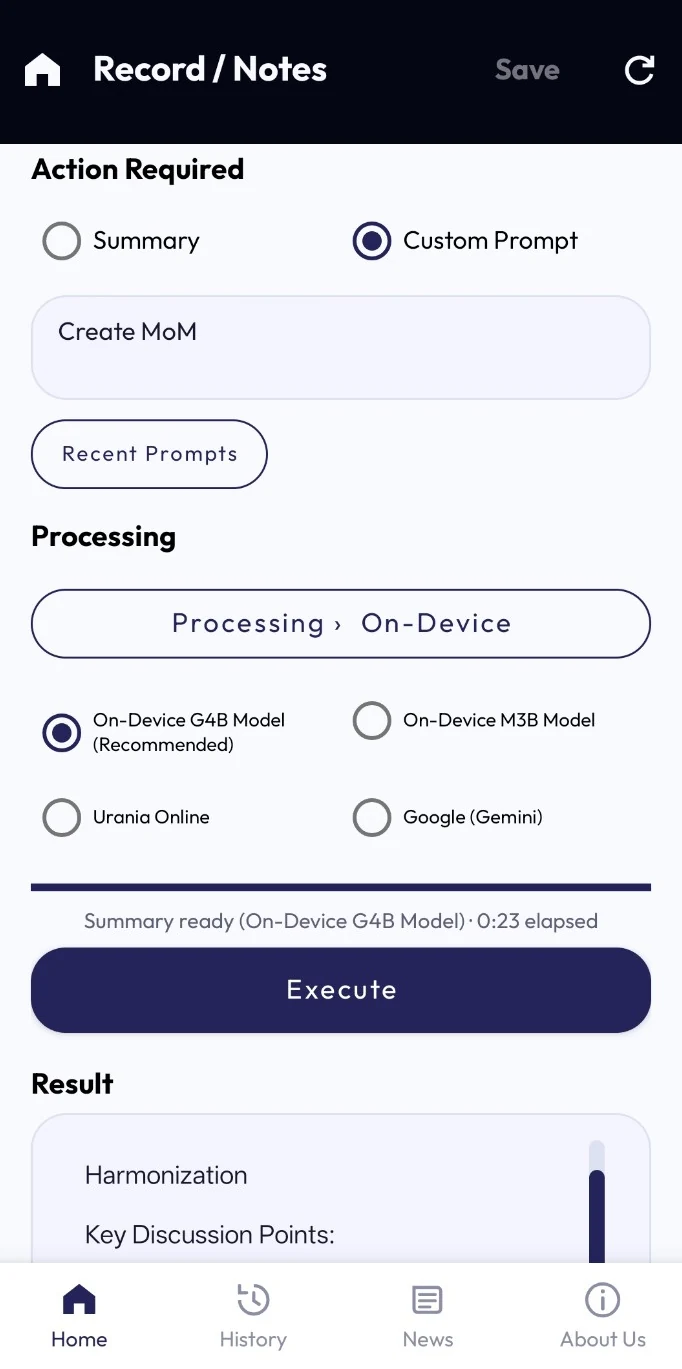
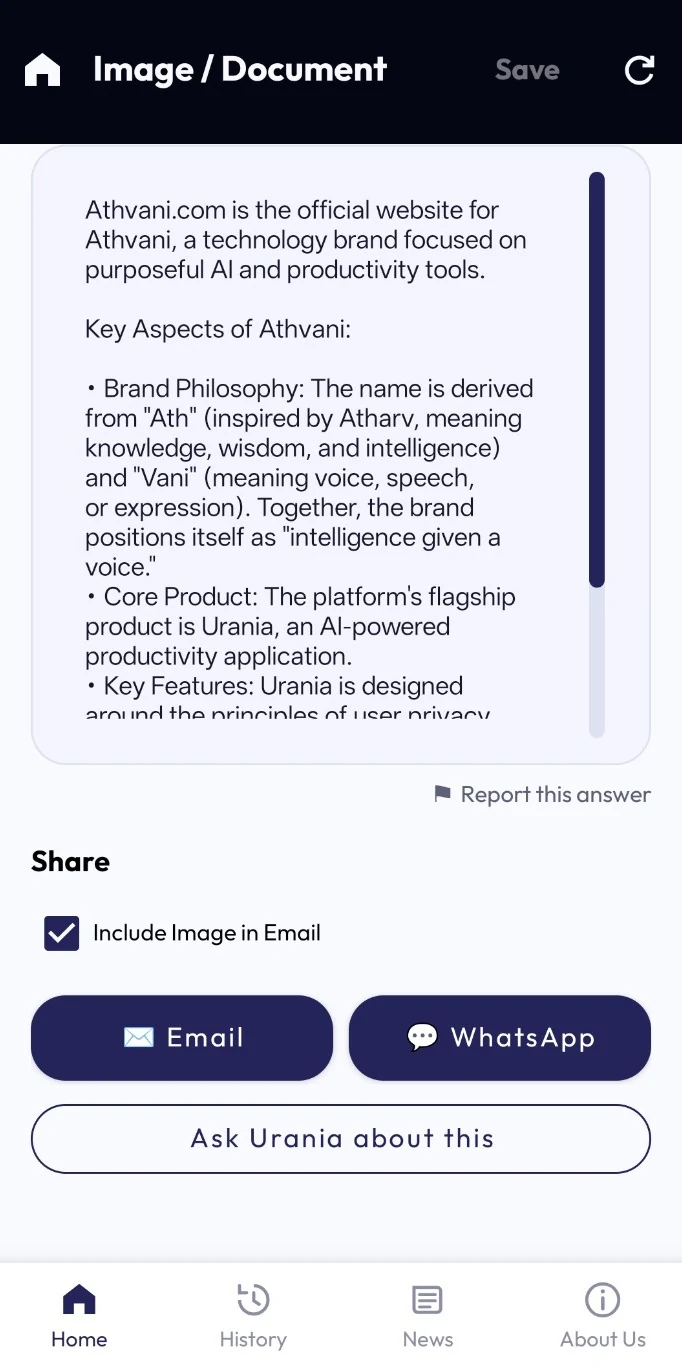
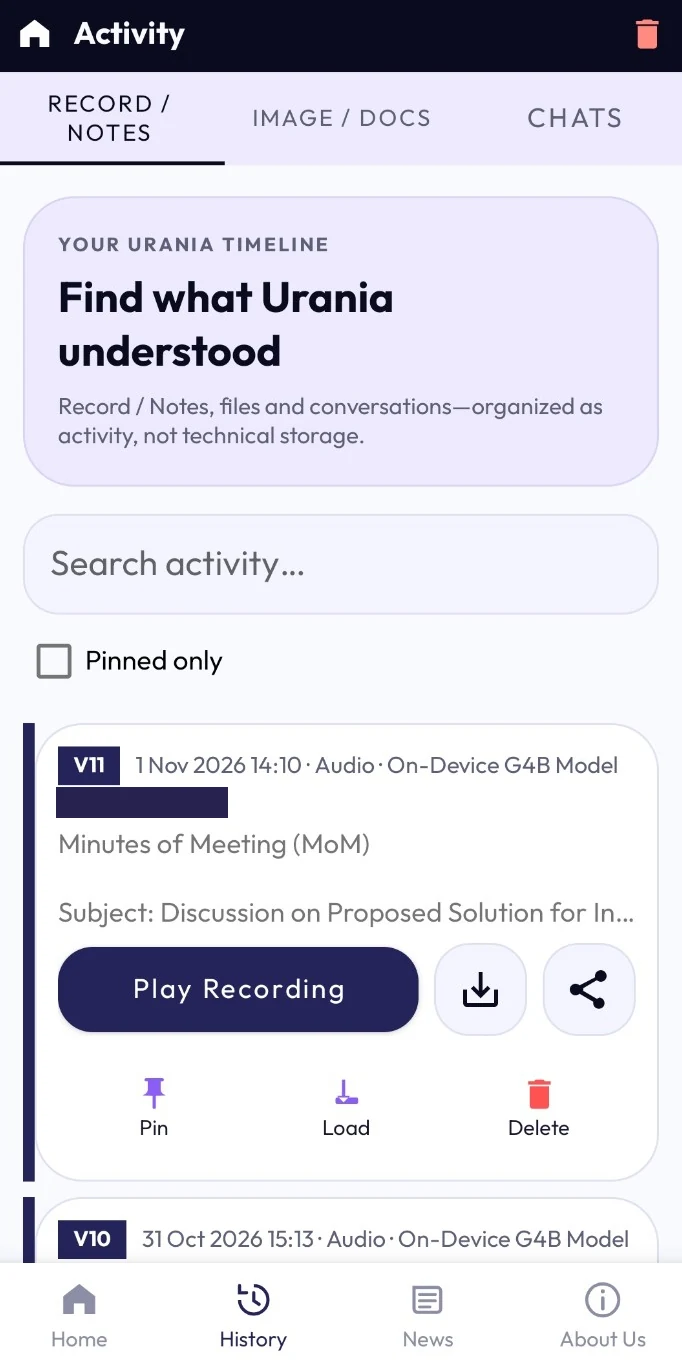
Your Urania workspaceStart with a task or ask Urania to find a feature.
Screens from an earlier beta. Some labels have changed since.
One workspace, five ways in
Record, capture, translate, ask and set a reminder in one phone-first workspace.
Turn a conversation into a transcript, minutes and next steps.
Explore Record / Notes → TranslateTranslate typed text, voice or an audio file into 109 languages.
Explore Translate → Image / DocumentUp to 4 photos, PDFs or Word documents at once, in any mix.
Explore Image / Document → Ask UraniaAsk about notes and documents, then keep moving.
Explore Ask Urania → RemindersSay a time and save a reminder to your calendar.
Explore Reminders → BetaOpt-in. Ask a question and hear the answer, set a reminder or start a recording, hands-free. Answers come from the AI on your phone.
Understand the beta feature →Illustrations are decorative. Language, screen and feature availability can vary by task, build and device.
Try it, no download
Pick a journey and tap through Urania’s screens, recreated with sample data. The glowing button shows where to tap next.
This walkthrough needs JavaScript. You can still explore each feature from the tiles above and the screens below.
A clickable recreation of Urania beta screens with made-up sample data. Nothing is recorded, uploaded or processed here. Screens and features can vary by build and device.
Explore the beta interface by task. Open any screen for a closer look.
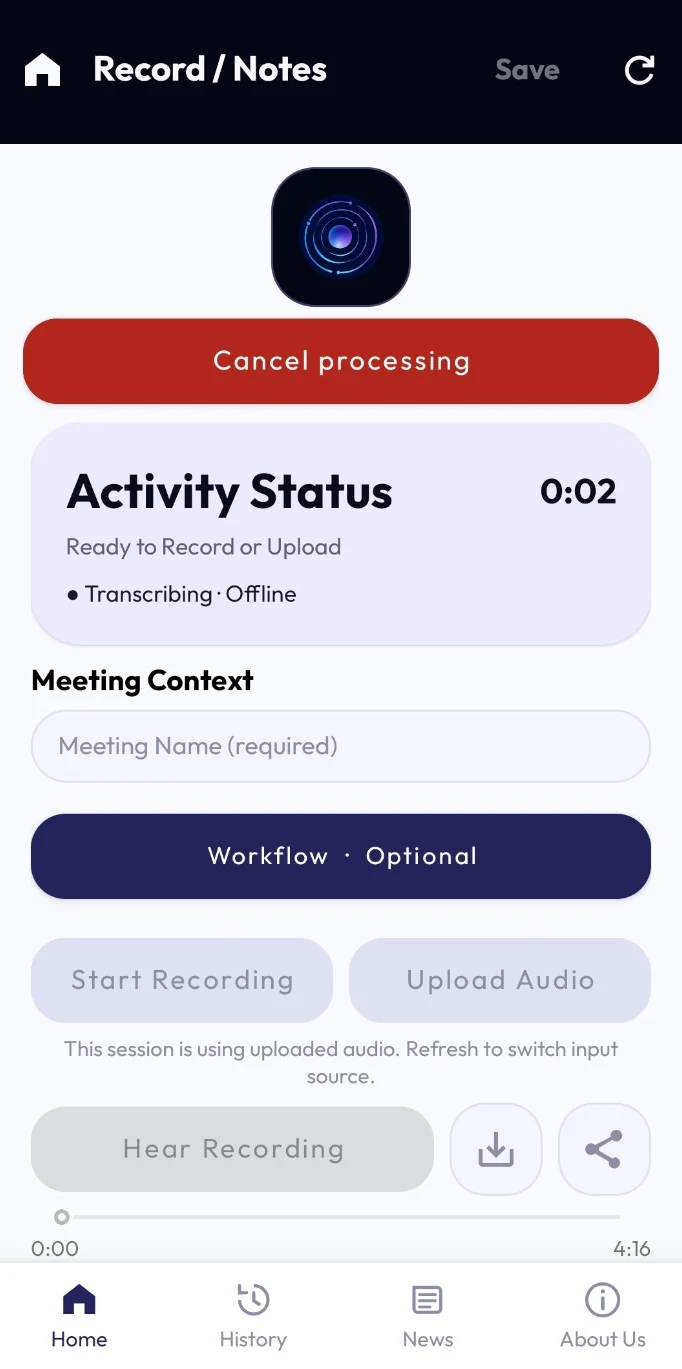
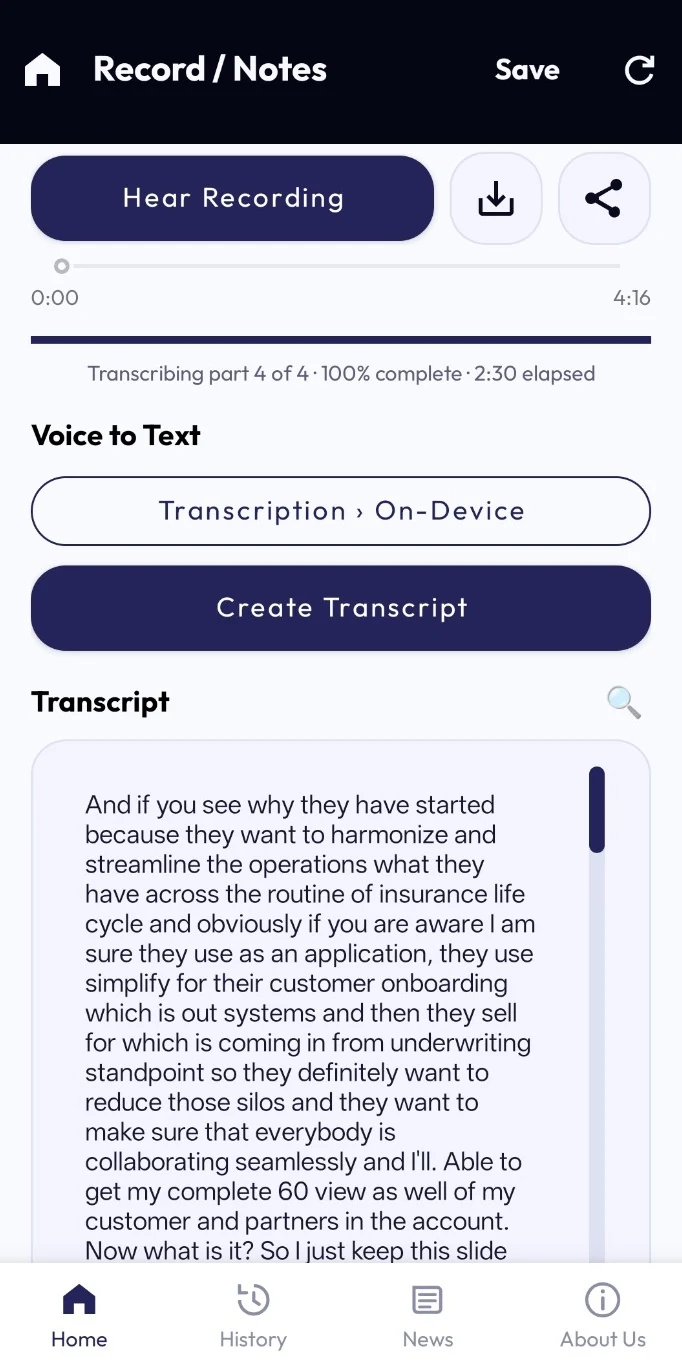
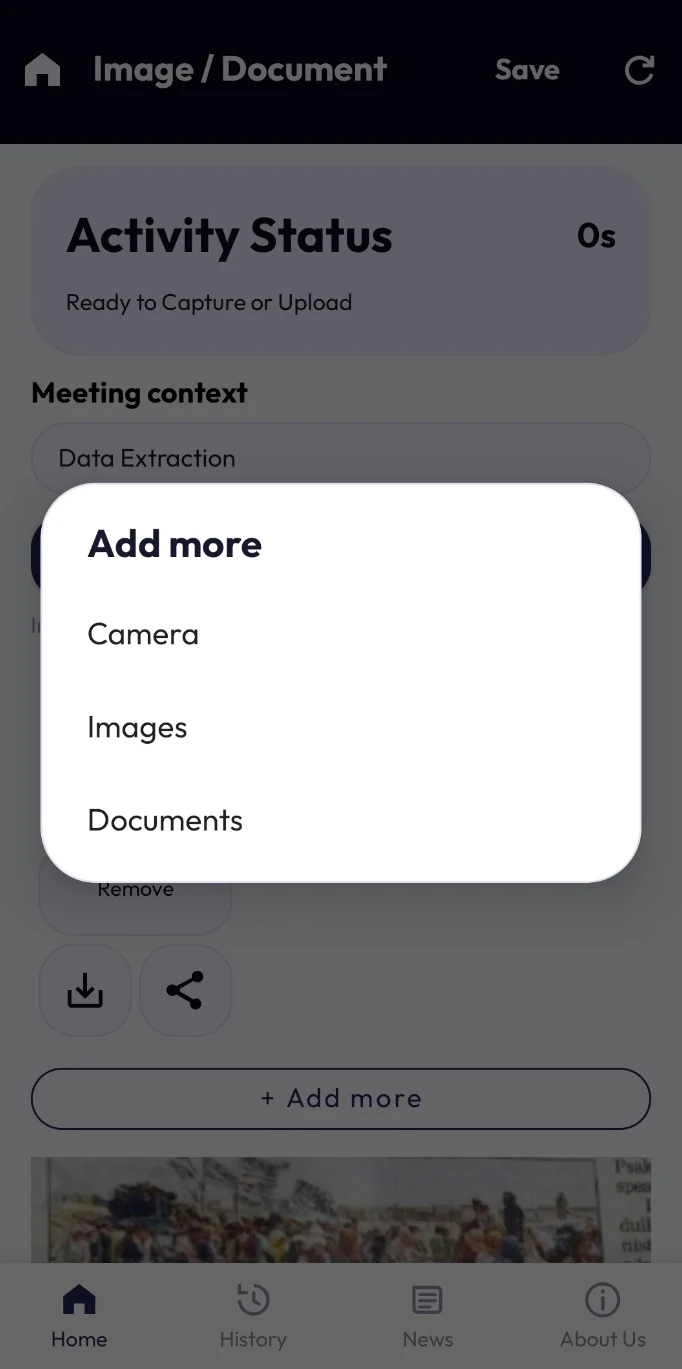
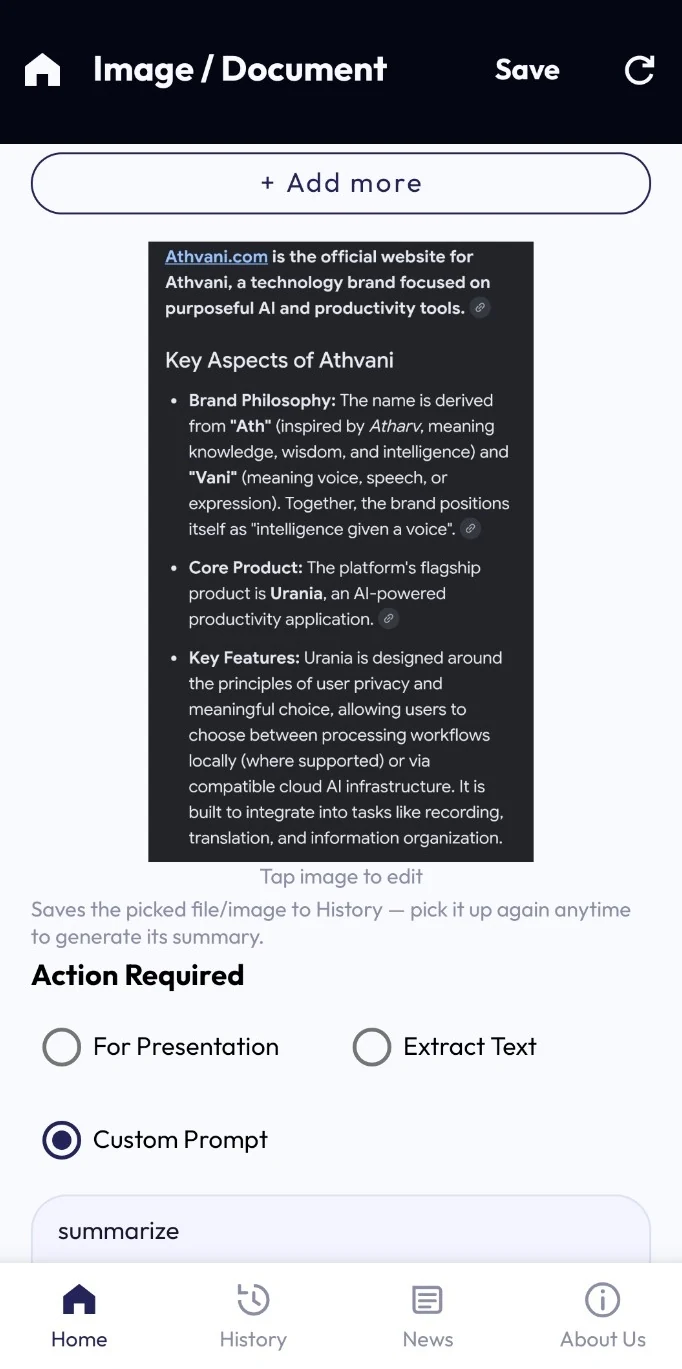
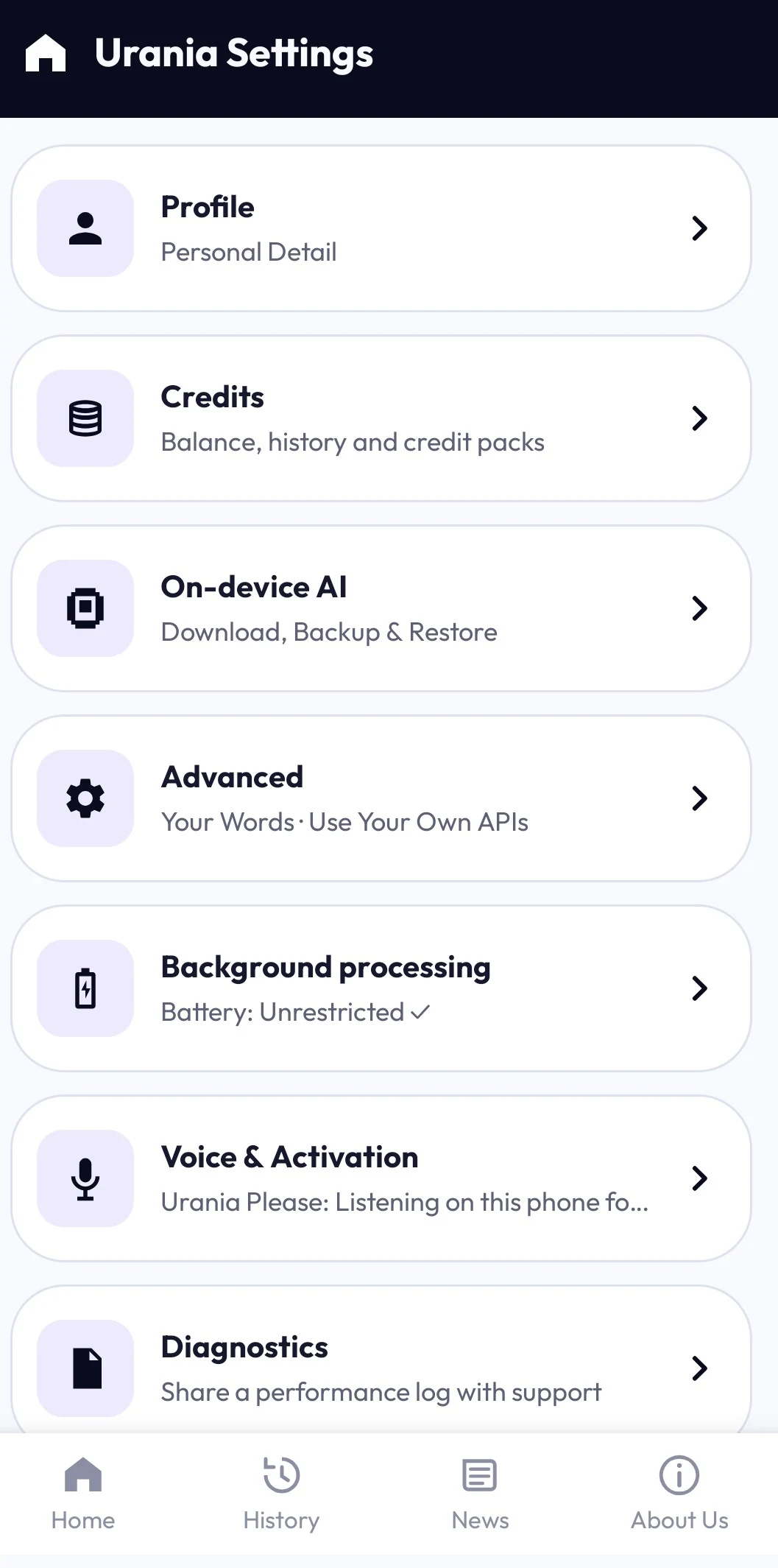
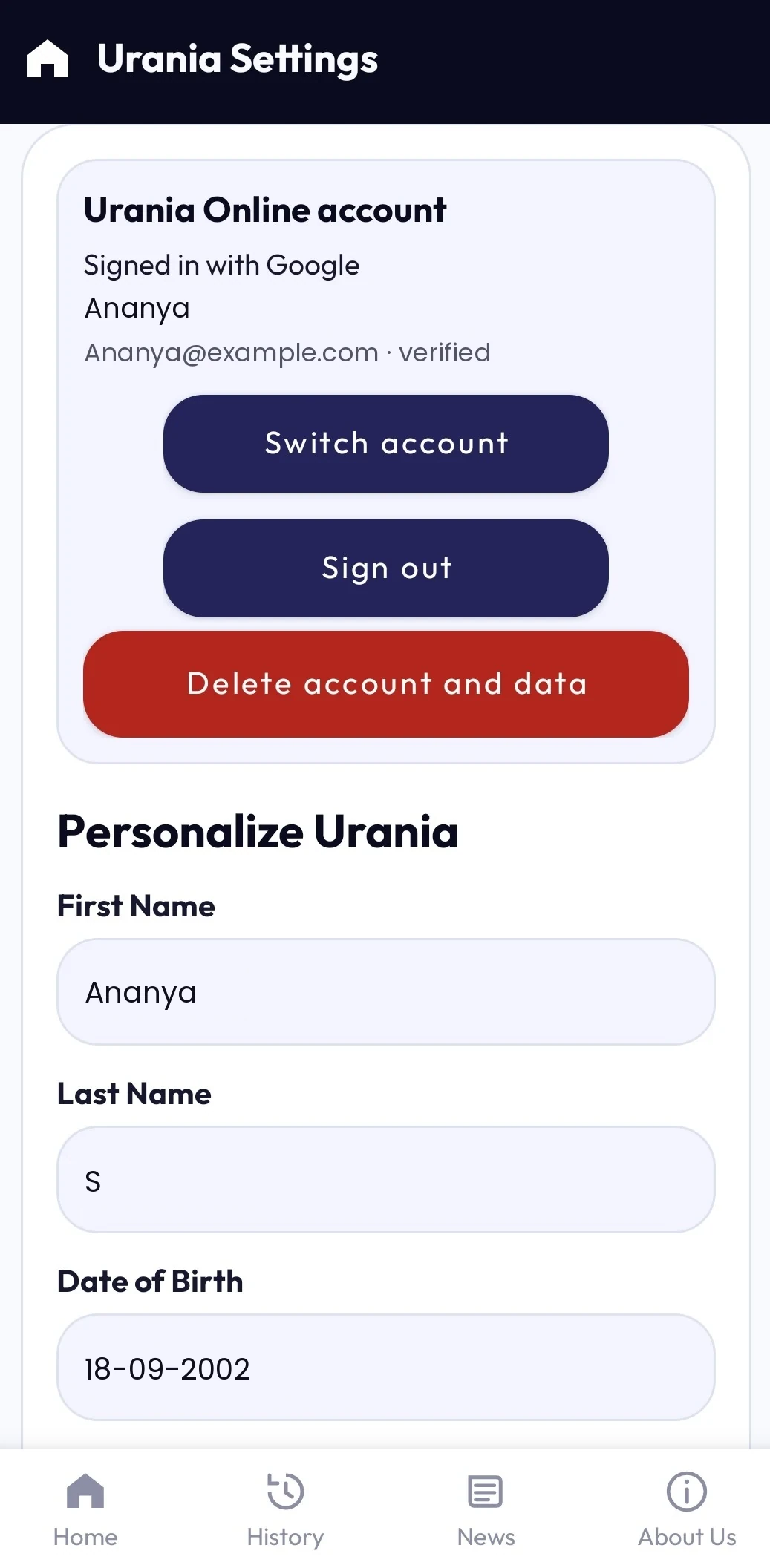
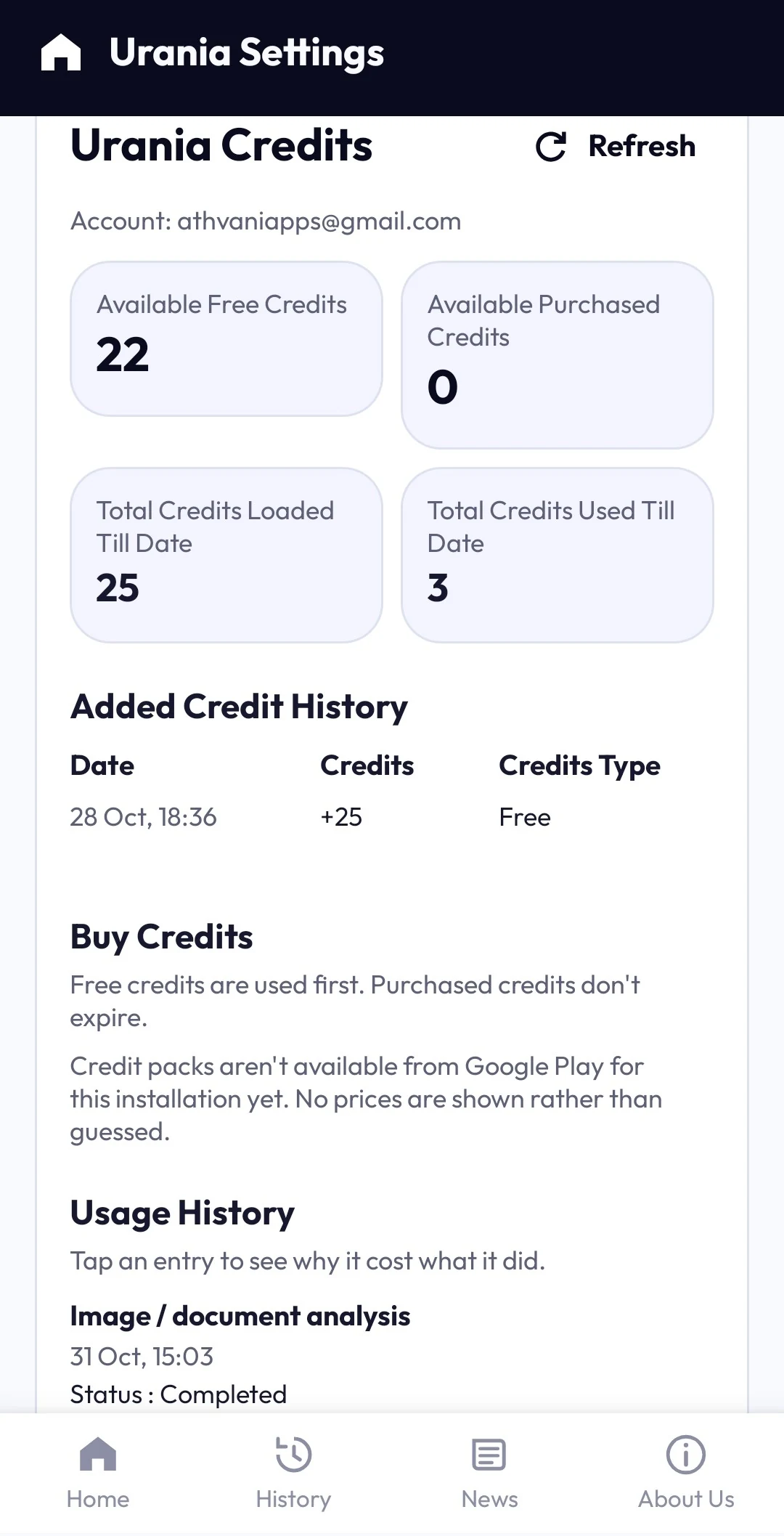
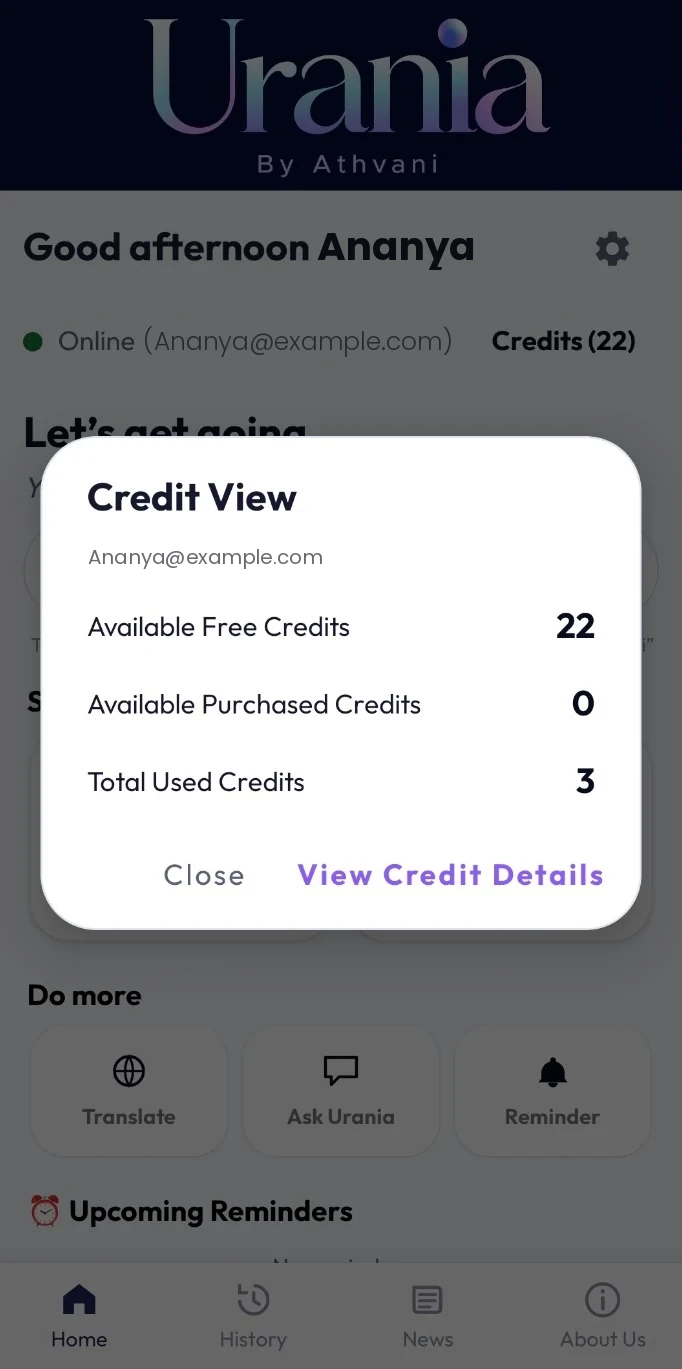
Screens from an earlier beta (1 November 2026); some labels have changed since. Balance values and timings are illustrative.
Your AI. Your Data. Your Choice.
On-device AI comes first: when the recommended model is downloaded, Urania selects it for you. Urania Online and your own AI keys are there when you choose them.
Run supported tasks on your phone after downloading a model. Included in the Urania Trial and Urania Pro.
Sign in, review the maximum credit cost, then choose whether to proceed. Required request content passes through Athvani-operated infrastructure to the AI provider used for the task.
Connect your own Claude, Gemini or OpenAI key, or Yantra or OpenRouter, in Settings › Advanced › Use Your Own APIs. Their terms and charges apply. These requests don’t use Urania Credits.
Designed for ordinary hours
Turn a meeting into a transcript and a summary of decisions and next steps. Review it, then share by email or WhatsApp.
Bring your own lecture audio, documents or photos. Ask, translate and review the source beside the output.
Set a calendar reminder, translate a phrase or use opt-in voice control in the Urania Please beta.
A repeatable day
Choose once how Urania transcribes and what it creates. A stand-up can finish on its own after silence and prepare an email for you to check and send.
Explore workflows →Beta · Urania Please
Opt-in. The phrase is heard on your phone, answers come from the on-device AI, and Urania Please never gets anything from the internet. Behaviour can vary by phone.
Pauses this decorative waveform only; it does not control the Urania app or its microphone.The practical details
Quick answers
On-device AI works offline after setup with the Urania Trial or Urania Pro, up to the end of your trial or paid period; your plan is confirmed online at least every 30 days. Online and own API routes need connectivity.
Yes. Your free 5-day Urania Trial and your Urania Lite or Urania Pro plan belong to your account. Your History, Settings and Profile open without a plan.
Urania needs Android 8.0 or later. Compatibility with a particular phone isn’t confirmed yet: memory, free storage and manufacturer settings affect on-device AI. The beta request form asks for your phone model so the team can check it.
Not yet. Request beta access; the team will review manually. There is no direct download or APK.
No. It is opt-in and off until you turn it on. The phrase is heard on your phone, and while it waits it never records, saves or sends what it hears. Behaviour can vary by phone.
A considered beta, not a promise of instant access
Send a request with your phone model. Beta requests receive manual review. No store link or APK is available yet.
Android 8.0+ is the current target; device compatibility, minimum memory and storage are not yet confirmed.